Our company had three bank accounts in two countries and used four currencies. One person copied transactions into a Google Sheet. A simple question about last month’s spending could take 20 minutes to answer.
I built a small internal finance system over a weekend: a database, a dashboard, a Telegram bot, and reports in one currency. At the time of the build, the hosted services cost about $7 per month, excluding the time needed to design, test, and maintain it.
The useful lesson was not that AI could write the code. The system worked because the money rules were written down before the code existed.
I defined the records first
Before building an interface, I listed the information needed for every transaction:
- date;
- account;
- original amount and currency;
- exchange rate and reporting currency;
- category;
- person who added it;
- source document or note;
- time the record was created or changed.
I also defined what counted as an account balance, a transfer, an expense, income, a budget item, and a subscription.
This removed a common source of errors. A transfer between two company accounts should not become income in one place and an expense in another. A missing amount should not silently become zero. A changed exchange rate should not rewrite the original transaction.
The system has four parts
Telegram or dashboard
          ↓
validation and business rules
          ↓
database
          ↓
reports and questions
The database stores the source records
I used Supabase, which provides a hosted PostgreSQL database and an administrative interface.
Claude helped draft the tables and queries. I reviewed the meaning of every field because the model could create valid database code while misunderstanding an accounting rule.
The server protects the database
The dashboard and bot do not write directly into every table. They send requests to a small server that checks the user, validates the amount and currency, and records the action.
The server also exposes selected finance operations to AI tools through MCP, a standard that lets an AI call a defined function. This allows a model to request a monthly summary without receiving unrestricted database access.
The dashboard is for review
The dashboard shows balances, monthly spending, plan versus actual, subscriptions, and recent transactions.
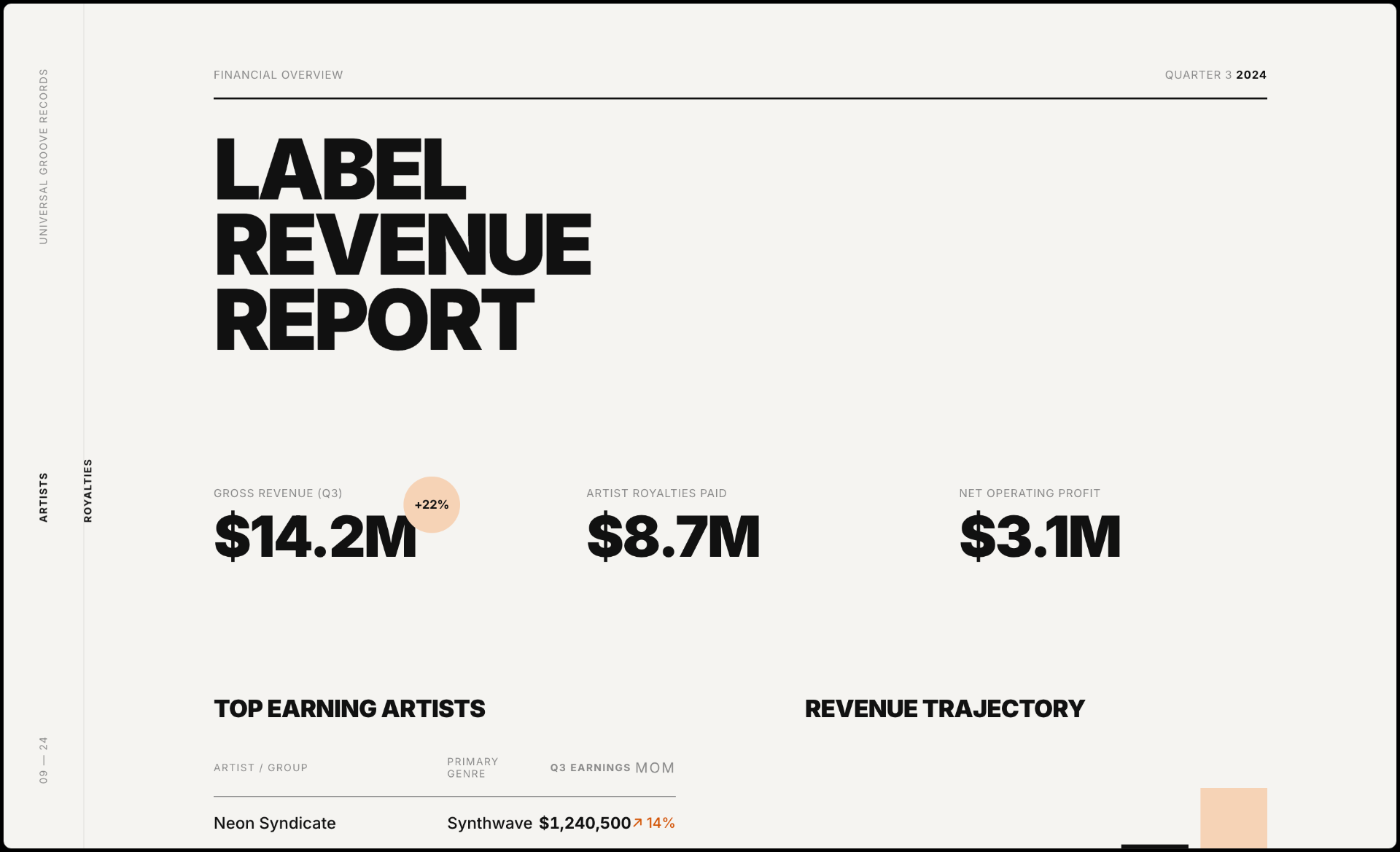
I use it to review the company, not to enter every small expense. Real data quickly exposed design problems: long account names, missing exchange rates, negative values, and months with incomplete records all needed visible states.
The Telegram bot is for daily use
The bot reduced the most important friction.
A team member can write:
Add a $50 marketing expense paid from the USD account.
The bot turns the message into proposed fields and asks for confirmation before saving the transaction. It can also answer restricted questions such as monthly category totals.
The confirmation step matters. A language model should not quietly decide which account or exchange rate the user meant.
The first version failed in predictable places
Currency conversion broke more than once. One query mixed the exchange rate used at the time of a transaction with the latest rate. Another report counted an internal transfer as spending.
The early version also needed stronger access control and input validation. AI made it fast to produce a working interface, but speed did not make the first architecture safe for financial data.
Before wider use, I added:
- authentication and role limits;
- validation for amounts, currencies, and dates;
- confirmation before write actions;
- a history of changes;
- database backups;
- separate test and production data;
- checks that totals in the dashboard matched direct database queries.
An internal finance tool does not need every feature of accounting software. It still needs a reliable record of who changed what.
The smallest useful version is smaller than the dashboard
If I were starting again, I would build in this order:
- define the transaction and account rules;
- create the database;
- import one complete month and reconcile it with the bank records;
- build one restricted way to add a transaction;
- add an audit log and backups;
- create the monthly report;
- build the visual dashboard last.
This sequence tests the difficult part—the meaning of the money—before spending time on charts.
Where a custom tool fits
This system helps us monitor operations. It does not replace formal bookkeeping, tax records, bank statements, or professional accounting where those are required.
A custom tool makes sense when a small team has an unusual internal workflow and somebody can maintain the rules. It makes less sense when standard accounting software already covers the process or when nobody owns security and reconciliation.
Start with one month of real transactions. If the proposed data model cannot reproduce the known closing balances, do not build the dashboard yet.
I turned the build sequence into a Finance Stack Prompt Pack. Use it to define the records and checks first; the choice of interface can come later.